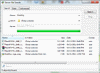
Main window with file transfer in progress
/images/41/screenshots/main_window_file_transfer.png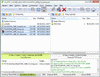
Main window with navigation tree
/images/41/screenshots/main_window_navigation_tree.pngThrough this tree, you can access the entire structure of the folders.
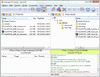
Main window with transfer graph
/images/41/screenshots/main_window_transfer_graph.pngWith this transfer graph, you can easily monitor your transfer speed.
Main menu > View > Graph
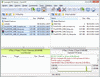
Main window in single connection layout mode
/images/41/screenshots/main_window_single_connection_layout.pngPrefer a single tool bar and a more simplified interface? No problem.
Main menu > View > Single connection layout
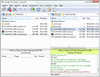
Site Manager dialog
/images/41/screenshots/site_manager.pngManage and configure your site profiles.
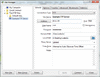
Quick Connect dialog
/images/41/screenshots/quick_connect.pngSimple connection dialog for connecting to temporary sites quickly.
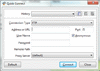
Preferences dialog
/images/41/screenshots/preferences.pngFlashFXP is loaded with many features and options, we make it simple and break them down into more manageable sections.
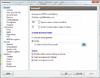
File Transfer Rules dialog
/images/41/screenshots/file_transfer_rules.pngWe make file transfers easy, Configure automatic rules to allow FlashFXP to handle specific situations automatically.
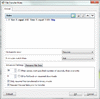
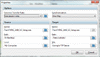
Queue Item Properties dialog
/images/41/screenshots/queue_item_properties.pngAdvanced transfer features can be configured per-queue-item by editing the queue item, such as selective transfer rules and synchronization.
Server File Search dialog
/images/41/screenshots/server_file_search.pngWe've all been there, Say you misplaced a file and now you cant find it, right? Server File Search to the rescue. Our file search is more powerful than just locating a file. You can perform actions on the results just like in the regular file list, such as change file attributes, delete, move, rename, queue, view, edit, etc